Tool-wipelocker V3.0.0
The ultimate app to manage your favorite podcasts on Windows.
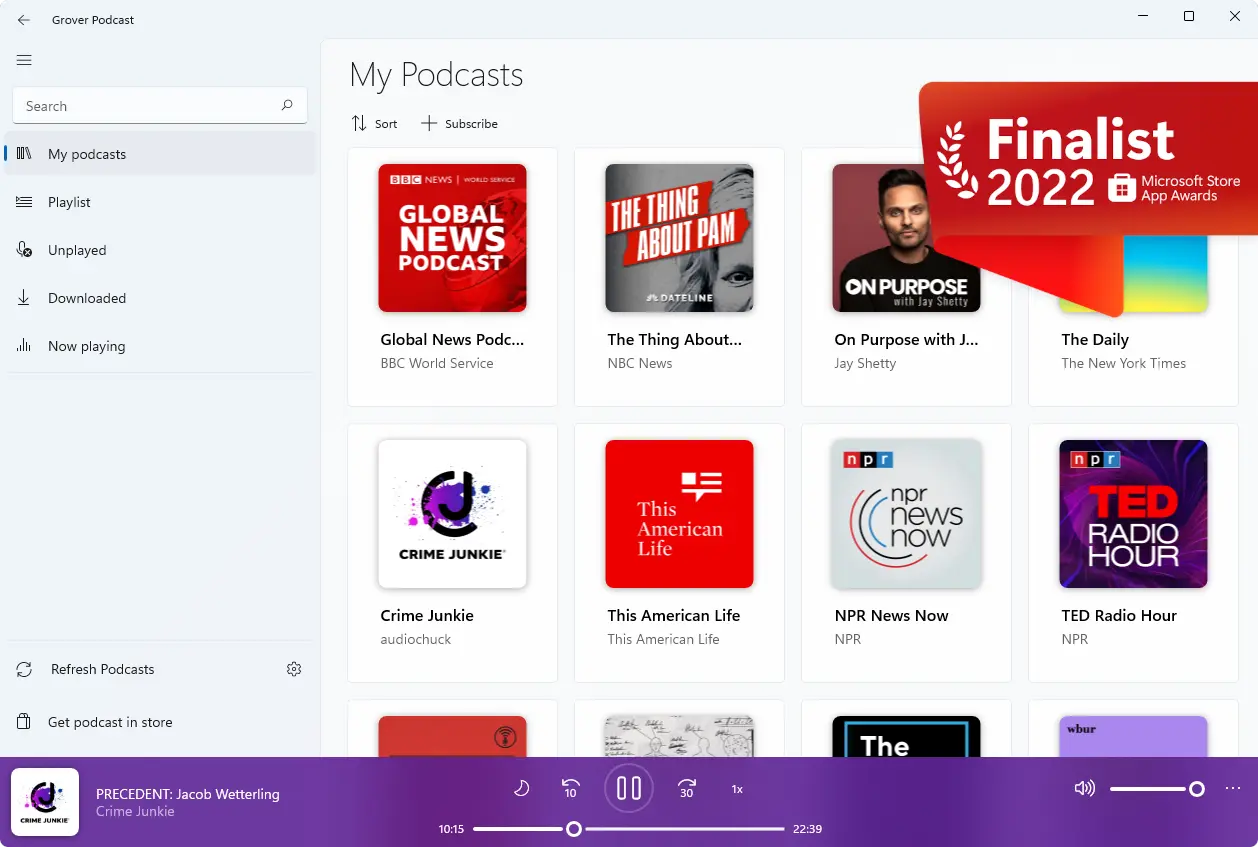

“Grover Pro is still the best podcast app for Windows 10. If you like podcasts and you like great apps, go buy this one.”

“Grover Podcast can be easily installed on your system, comes with a user-friendly interface and packs intuitive functions, proving itself to be accessible and efficient alike.”

: A service that offers bypass solutions for both Activation Locks and Mobile Device Management (MDM) profiles. Important Considerations
The primary feature of V3.0.0 is the combination of two distinct security actions:
For anyone serious about data privacy – whether an individual or a multinational corporation – Tool-wipelocker V3.0.0 offers an unparalleled combination of security, usability, and affordability. The addition of the digital locker module bridges the gap between data protection at rest and secure disposal at end-of-life. Its robust support for modern SSDs and NVMe drives puts it ahead of many free or legacy tools that can actually damage or fail to properly clean solid-state storage.
Ensure your primary operating system drive is excluded from automated wipe scripts. Tool-wipelocker V3.0.0
Tool-wipelocker V3.0.0 supports over 15 internationally recognized data sanitization methods, including:
Store the generated reports securely for compliance documentation. Conclusion
Supports DoD 5220.22-M and NIST SP 800-88 compliance standards. : A service that offers bypass solutions for
The core marketing pillar is its supposed capability to sever the link between a locked physical Apple device and its registered backend server architecture.
This public link is valid for 7 days and shares a thread, including any personal information you added. This link or copies made by others cannot be deleted. If you share with third parties, their policies apply. Can’t copy the link right now. Try again later.
: Support extends across iPhone, iPad, iPod Touch, and Apple Watch models. Important Considerations and Risks Its robust support for modern SSDs and NVMe
"Tool-wipelocker V3.0.0" is a third-party software tool often marketed for bypassing or removing iCloud Activation Locks on Apple devices
Navigate to the Apple Account Support Portal or access the Apple Activation Lock Portal .
[User Interface / CLI Script] │ ▼ [Sanitization Engine] ├── DoD 5220.22-M Engine ├── NIST SP 800-88 R1 Controller └── Crypto-Locking Module │ ▼ [Hardware Abstraction Layer (HAL)] ├── SATA / AHCI Controller Driver └── NVMe Direct Access Driver │ ▼ [Target Storage Media] Step-by-Step Operation Guide
Tool WipeLocker is an extension of the more well-known "wipelocker" website. According to its own website, the platform was created to focus on everything related to the Apple tech world, including iPhones, iPads, and Apple Watches.
 Matheus Inácio ©